
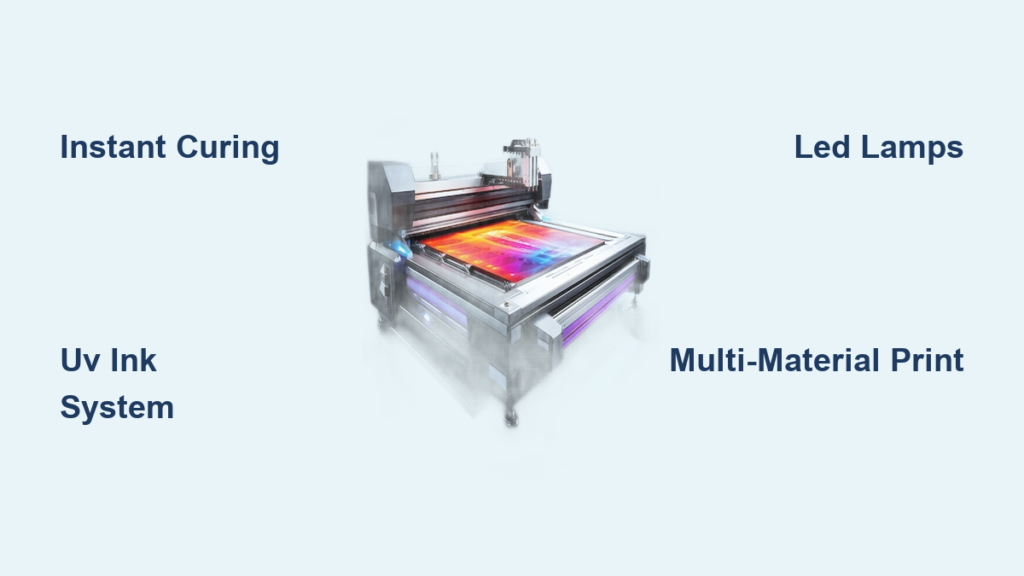
You’ve seen stunning custom phone cases, vibrant outdoor signage, or intricate designs printed directly onto glass and metal. Most of these products come from a UV printer. But how does a UV printer work in practice? Unlike traditional printers that rely on ink absorption and air drying, UV printers use ultraviolet light to instantly cure ink the moment it touches the surface. This breakthrough allows printing on nearly any material, from plastic and wood to ceramic and stone, with exceptional precision.
The technology combines specialized photo-reactive ink with immediate light curing. As the machine deposits tiny ink droplets, a UV lamp hardens them within milliseconds. This eliminates smudging, removes drying time, and produces durable raised textures. In this guide, you’ll learn the core components, the step-by-step printing process, supported materials, and key advantages of UV printing.
Core Components of a UV Printer
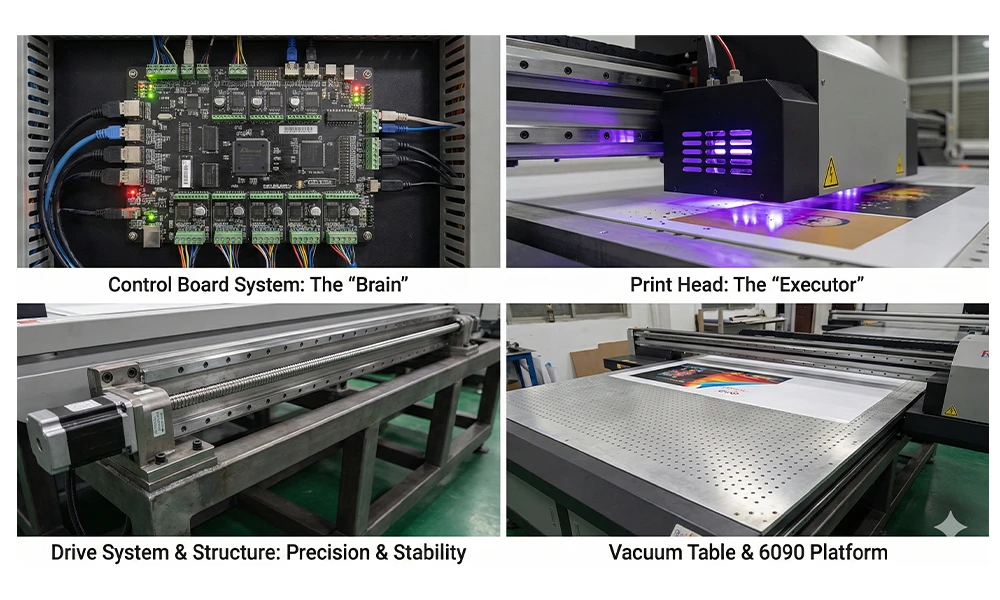
A UV printer is a precision machine built for versatility. Each part plays a vital role in delivering high-quality prints on rigid and flexible surfaces.
Print Head Technology
UV printers rely on industrial-grade piezoelectric print heads that eject microscopic ink droplets with extreme accuracy. These heads use electrical signals to change shape, releasing ink only when needed. This enables variable drop sizes and sharp detail, which is essential for photo-quality graphics and fine text.
Unlike thermal inkjet heads found in consumer printers, piezoelectric versions handle thicker UV inks without overheating. They also support grayscale printing, improving shadow detail and smooth gradients.
UV-Curable Ink System
UV printer ink contains photoinitiators, which are chemicals that react under ultraviolet light. In liquid form, these inks stay stable inside the printer. Once jetted onto a surface, they remain wet until the UV lamp triggers polymerization, transforming them into a solid plastic-like film.
This instant reaction prevents ink spread, delivering crisp edges and vibrant colors. Since no solvent evaporation occurs, UV inks release minimal VOCs, making them safer for indoor use.
Integrated UV Lamps
Positioned directly behind the print head, UV lamps emit intense ultraviolet light at wavelengths between 365 and 405 nm. Two main types exist: mercury arc lamps and LED UV systems.
LED UV is now the industry standard thanks to lower energy consumption, longer lifespan, and cooler operation. It also supports instant on/off cycling, which reduces warm-up time and component wear.
Flatbed or Hybrid Print Table
Most UV printers feature a flatbed design where rigid materials like acrylic, wood, or metal sit directly on the table. Vacuum suction secures them during printing to prevent shifting.
Some models offer hybrid functionality, supporting both flatbed and roll-fed media. This lets operators switch between rigid boards and flexible banners without changing machines.
Step-by-Step: How UV Printing Works
Now that you know the main parts, let’s walk through exactly how does a UV printer work from setup to finished output.
1. Material Loading and Alignment
Start by placing your substrate, whether it’s a phone case, plaque, or sign panel, onto the print bed. Use alignment guides or registration marks to position it accurately. Engage the vacuum system to hold the material firmly.
For repeat jobs, preset positioning saves setup time and ensures consistency across production batches.
2. Image Processing and RIP Software
Your design file passes through a Raster Image Processor (RIP) before printing. This software converts vector or bitmap images into printable data while managing color profiles, ink usage, and layer ordering.
Advanced RIPs support white ink underprinting, varnish effects, and multi-layer output. You can adjust resolution (typically 360 to 1440 dpi) and print speed based on quality requirements.
3. Inkjet Printing with Instant Curing
As the print head moves across the material, it deposits UV ink droplets exactly where needed. Immediately behind it, the UV lamp activates, curing each pass within milliseconds.
Because the ink solidifies so quickly, additional layers can be applied without bleeding or mixing. This enables creative effects such as:
– Raised textures through multiple ink layers
– White ink underbase for opacity on dark surfaces
– Gloss or matte varnish finishes
Printing and curing happen in one continuous motion, with no waiting between passes.
4. Final Cure and Inspection
After the job completes, some operators perform a secondary UV exposure to ensure full curing, especially on thick ink deposits.
Next, inspect the print for adhesion, color accuracy, and surface finish. A properly cured UV print resists scratching, fading, and water damage immediately after exiting the machine.
Supported Materials and Applications

UV printing offers unmatched material compatibility. Knowing what substrates work helps unlock new business opportunities.
Rigid Substrates
UV printers excel with hard, flat materials. Common options include:
– Acrylic and polycarbonate for signs, displays, and retail fixtures
– Wood and MDF for wall art, décor, and custom furniture
– Glass and mirrors for architectural elements and luxury branding
– Metal sheets and aluminum composite for outdoor signage and industrial labels
– Ceramic and stone for personalized tiles and memorial plaques
Most materials need no pre-coating, though difficult surfaces benefit from a primer for stronger adhesion.
Flexible and Thin Materials
Although designed primarily for rigid media, many UV printers also handle flexible substrates like:
– PVC banners
– Adhesive vinyl
– Foam board
– Coroplast
These often require a carrier sheet or low-tack adhesive to prevent warping during printing.
Specialty Items
With optional jigs or rotary attachments, UV printers can decorate curved or three-dimensional objects such as:
– Phone cases
– Pens and keychains
– Bottles and tumblers
– Golf balls and tools
This capability opens markets for personalized gifts, promotional products, and industrial part marking.
Advantages Over Traditional Printing Methods
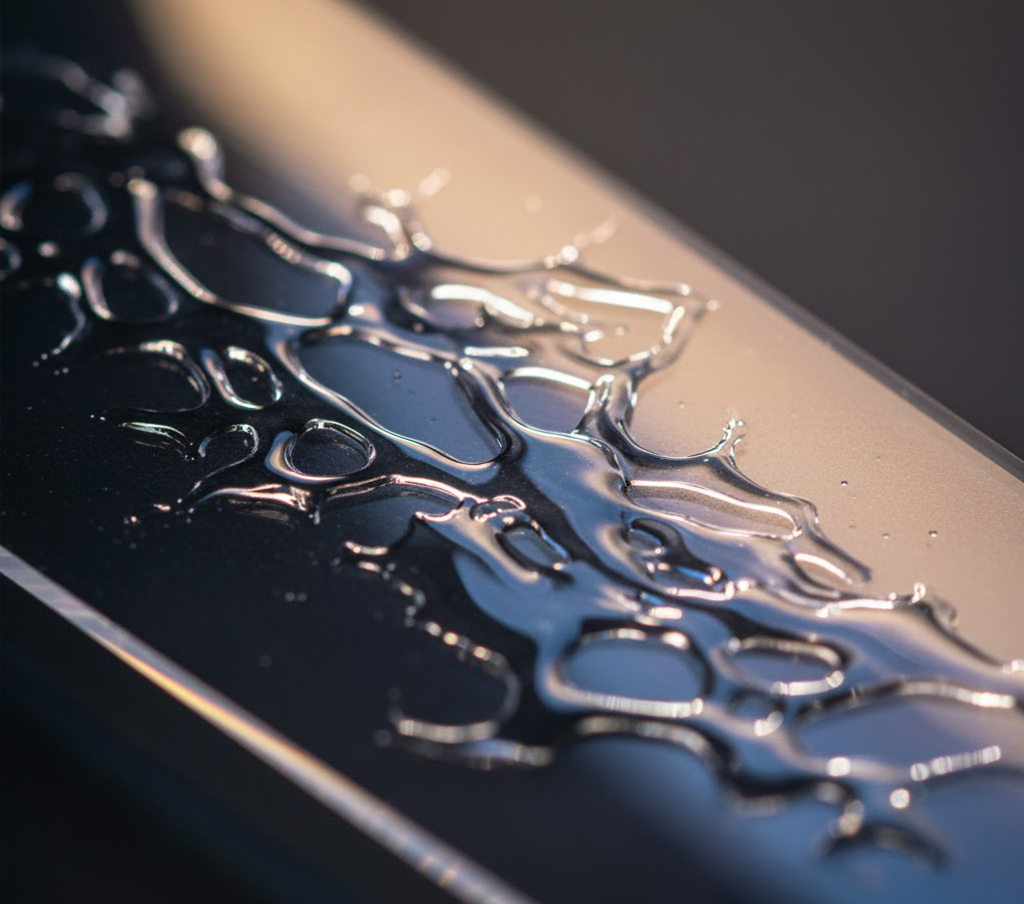
Understanding how does a UV printer work reveals why it outperforms older technologies like screen printing, solvent inkjet, and offset printing.
Instant Dry, No Smudging
UV ink cures instantly, so prints are touch-dry the moment they leave the machine. There is no need for drying racks or extended post-processing.
This speeds up production while reducing the risk of dust contamination or accidental smears.
Superior Durability and Resistance
Cured UV ink forms a tough, cross-linked polymer layer that resists:
– Scratching and abrasion
– UV fading for long-term outdoor use
– Water, chemicals, and cleaning agents
This durability makes UV prints ideal for high-traffic environments like retail stores, hospitals, and transportation hubs.
Eco-Friendly Operation
UV printers release minimal volatile organic compounds because no solvent evaporation occurs. The ink stays contained within the system, and LED UV lamps consume less power than traditional curing units.
Many print shops report reduced ventilation needs and safer working conditions after switching to UV technology.
Design Freedom and Customization
With CMYK plus white, clear, and varnish inks, UV printers create effects impossible with standard methods:
– Opaque white under black ink
– Glossy spot varnish on matte backgrounds
– Textured 3D-like finishes
– Full-color gradients on transparent materials
Each print can be fully customized with no minimum order quantities or setup fees.
Common Challenges and How to Avoid Them

Even with advanced technology, UV printing can present issues. Knowing these problems helps maintain consistent quality.
Poor Ink Adhesion
If ink peels or scratches off easily, the surface may be dirty or incompatible with the ink.
Fix: Clean every substrate with isopropyl alcohol before printing. For difficult materials like polypropylene or Teflon, apply a corona treatment or adhesion promoter first.
Clogged Print Heads
Dust, dried ink, or improper shutdown routines can block nozzles and disrupt printing.
Prevention: Run automatic cleaning cycles regularly. Keep print heads capped or covered when not in use. Always follow proper shutdown procedures.
Incomplete Curing
Shadows or under-cured areas appear when UV light fails to reach all ink layers, especially in textured prints.
Solution: Adjust lamp intensity and print head height. Use multiple curing passes for thick deposits. Keep the lamp lens clean and free of debris.
Color Inconsistency
Color variations may result from incorrect RIP settings or aging ink supplies.
Tip: Calibrate your printer monthly. Store ink in cool, dark conditions and shake cartridges before loading. Use ICC profiles that match each substrate.
Maintenance Tips for Long-Term Performance
A well-maintained UV printer delivers consistent results and avoids costly downtime.
Daily Cleaning Routine
After each use:
– Wipe down the print bed
– Clean the UV lamp window with a lint-free cloth
– Run a nozzle check and head cleaning if needed
Dust and ink mist accumulate quickly, so keeping the print zone clean prevents defects.
Weekly and Monthly Tasks
- Inspect and clean vacuum filters
- Check ink levels and replace cartridges before they run dry
- Verify print head and gantry alignment
- Update firmware and RIP software regularly
Annual Professional Service
Schedule a full diagnostic with a certified technician once per year. They will:
– Deep clean internal components
– Align optical sensors
– Test electrical systems and cooling fans
– Replace worn belts or wipers
Regular servicing extends machine life and preserves print accuracy.
Choosing the Right UV Printer for Your Needs
Not all UV printers offer the same capabilities. Evaluate these factors before making an investment.
Print Size and Bed Dimensions
Choose a model that matches your most common job sizes. Small desktop units (around 12″ x 16″) work well for phone cases and plaques. Larger industrial printers (4′ x 8′) handle signage and architectural panels.
Hybrid models offer both flatbed and roll-to-roll options for maximum flexibility.
Ink Configuration
Basic models use CMYK plus white. Advanced systems add clear varnish or multiple white channels for enhanced effects and faster production.
More ink channels provide greater creative control but increase overall cost and complexity.
LED vs Mercury UV Lamps
LED UV is the preferred choice for new investments. Benefits include:
– Lower power consumption
– No warm-up time
– Longer lamp life up to 20,000 hours
– Cooler operation that protects heat-sensitive materials
Mercury lamps are being phased out due to heat output and environmental concerns.
Automation and Software Integration
Look for features that streamline your workflow:
– Automatic height sensing for varied substrates
– Barcode job tracking for production management
– Cloud-based RIP software for remote operation
– Compatibility with Adobe, Corel, and other design tools
These features reduce manual errors and improve overall efficiency.
Frequently Asked Questions About UV Printers
What Is the Main Difference Between UV Printing and Regular Printing?
UV printing uses ultraviolet light to instantly cure ink on the surface, while regular printing relies on absorption and air drying. UV printing works on more materials and produces more durable results.
Can UV Printers Print on Dark Surfaces?
Yes. UV printers use white ink as an underbase layer beneath CMYK colors, ensuring vibrant, opaque prints on dark or transparent substrates.
Are UV Prints Waterproof and Scratch-Resistant?
Once fully cured, UV prints form a hard polymer layer that resists water, scratches, and UV fading. This makes them suitable for both indoor and outdoor applications.
How Long Does UV Ink Last Before Curing?
UV ink remains stable inside the printer but cures within milliseconds once exposed to the UV lamp. Outside the machine, uncured ink can dry quickly, so prompt printing is essential.
What Materials Cannot Be Printed With a UV Printer?
UV printers struggle with materials that reflect UV light or have highly irregular surfaces. Some fabrics, untreated rubber, and heavily textured 3D objects may require special preparation or alternative printing methods.
Is UV Printing Safe for Indoor Use?
Yes. Modern UV printers with LED lamps emit minimal VOCs and produce little odor. Proper ventilation is still recommended for long production runs.
Key Takeaways on How a UV Printer Works
A UV printer combines piezoelectric print heads, photo-reactive ink, and ultraviolet lamps to deliver instant, durable prints on almost any surface. The curing process happens in milliseconds, eliminating drying time and enabling creative effects like raised textures and spot varnish. UV printing outperforms traditional methods in speed, material versatility, and environmental impact. By choosing the right machine, maintaining it properly, and understanding supported substrates, you can unlock new markets for custom signage, promotional products, and industrial decoration. Your next step is to evaluate your production needs and match them with a UV printer configuration that supports your most profitable applications.


