

Your old printer sits in the corner, but tossing it in the trash is illegal and dangerous. Printers contain toxic lead and mercury that harm the environment if they end up in a landfill.
This guide explains how to dispose of a printer safely while protecting your data and following the law. You will learn free recycling options and steps to wipe sensitive information before disposal.
Understand Why Printers Are Hazardous E-Waste
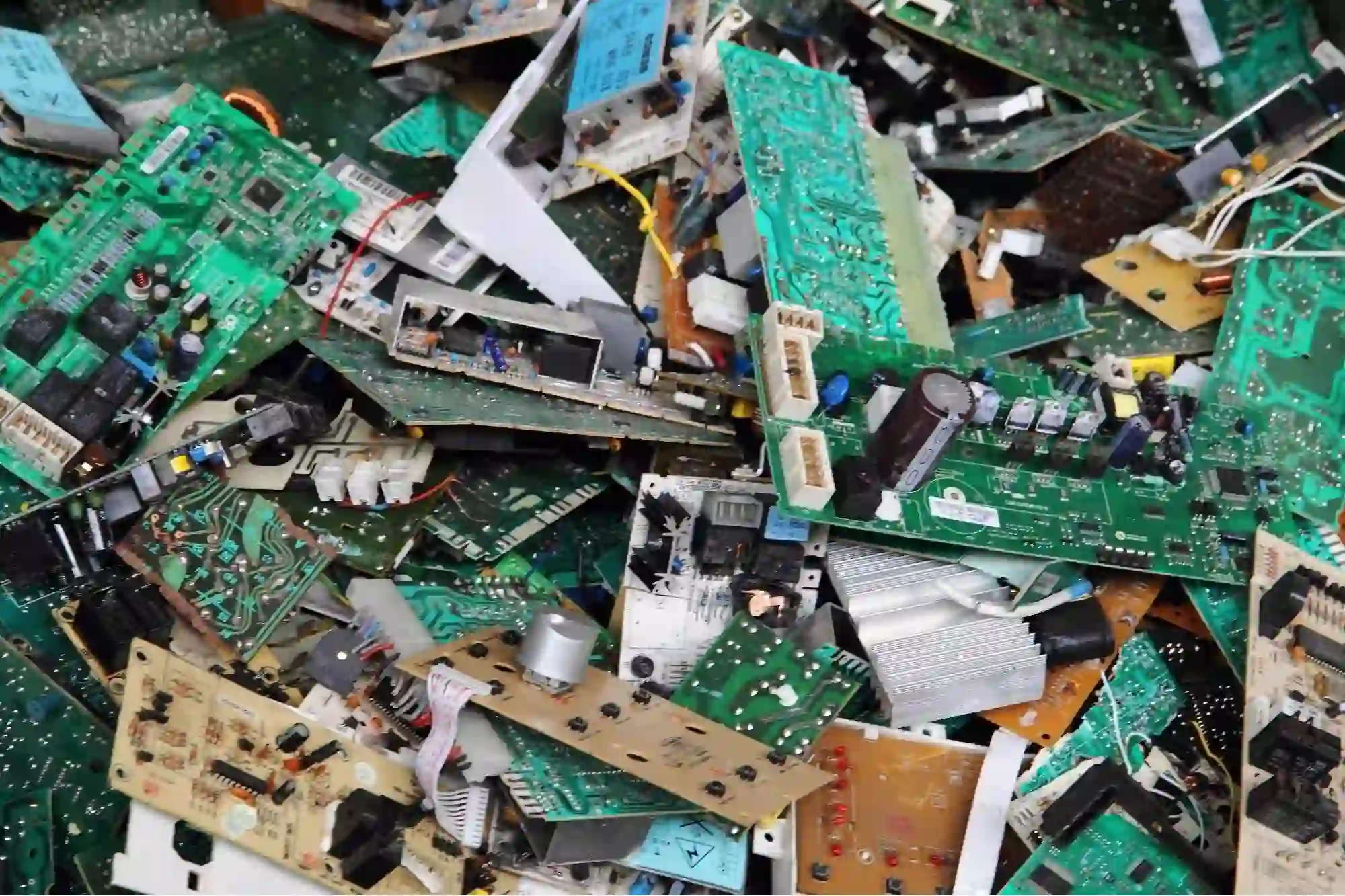
Printers are not simple plastic boxes. They contain complex electronics and chemicals that classify them strictly as electronic waste or e-waste.
Toxic Materials Inside Your Printer
Circuit boards hold heavy metals like lead, mercury, and cadmium. Plastic casings release toxic dioxins when burned in incinerators. Ink and toner cartridges retain chemical residues that pose health risks.
Environmental Damage from Landfills
Rainwater mixes with these toxins to create poisonous leachate. This liquid contaminates groundwater supplies and soil ecosystems. A single discarded printer can pollute thousands of gallons of water.
Know the Legal Risks of Improper Disposal
The EPA classifies printers as e-waste, banning them from regular trash in many areas. Federal laws like the Resource Conservation and Recovery Act impose strict rules on businesses.
Fines for Individuals and Companies
Individuals face fines ranging from $100 to $1,000 per violation. Businesses can pay up to $25,000 or $2,000 per day in states like California for repeat offenses.
How Authorities Track Violations
Cities now use cameras at disposal sites to catch illegal dumpers. Electronic tagging helps trace discarded devices back to their original owners. An audit or legal action can damage your reputation significantly.
Wipe Sensitive Data From Printer Memory
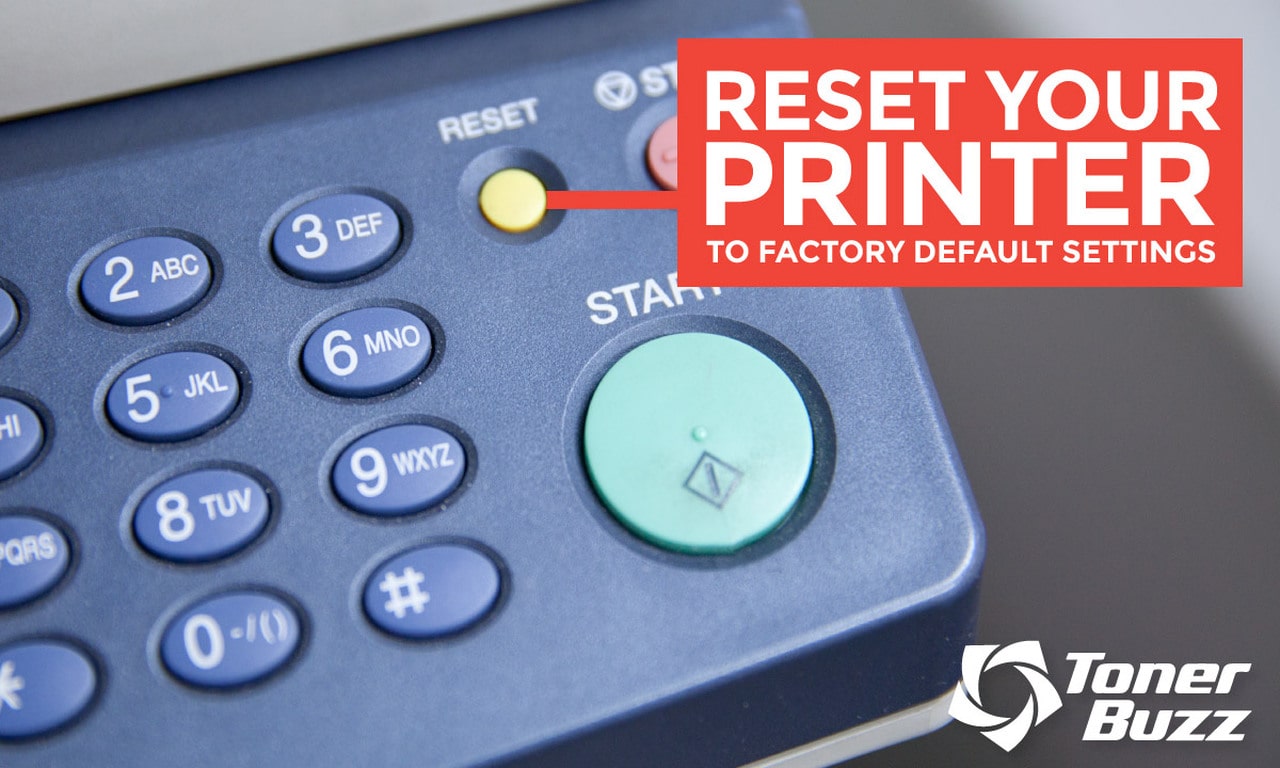
Modern printers store images of every document they scan, copy, or print. This data remains on internal hard drives even after you delete files.
Steps to Securely Erase Your Printer
- Access the control panel and open device settings.
- Select “Secure Erase,” “Format Drive,” or “Restore Factory Settings.”
- Wait 15 to 60 minutes for the process to complete without interruption.
- Use third-party software if your model lacks built-in wiping tools.
When to Destroy the Hard Drive
High-security environments like law firms should physically remove the drive. Certified recyclers can destroy the drive and provide documentation. Never skip this step to protect your privacy.
Find Local Municipal Recycling Programs
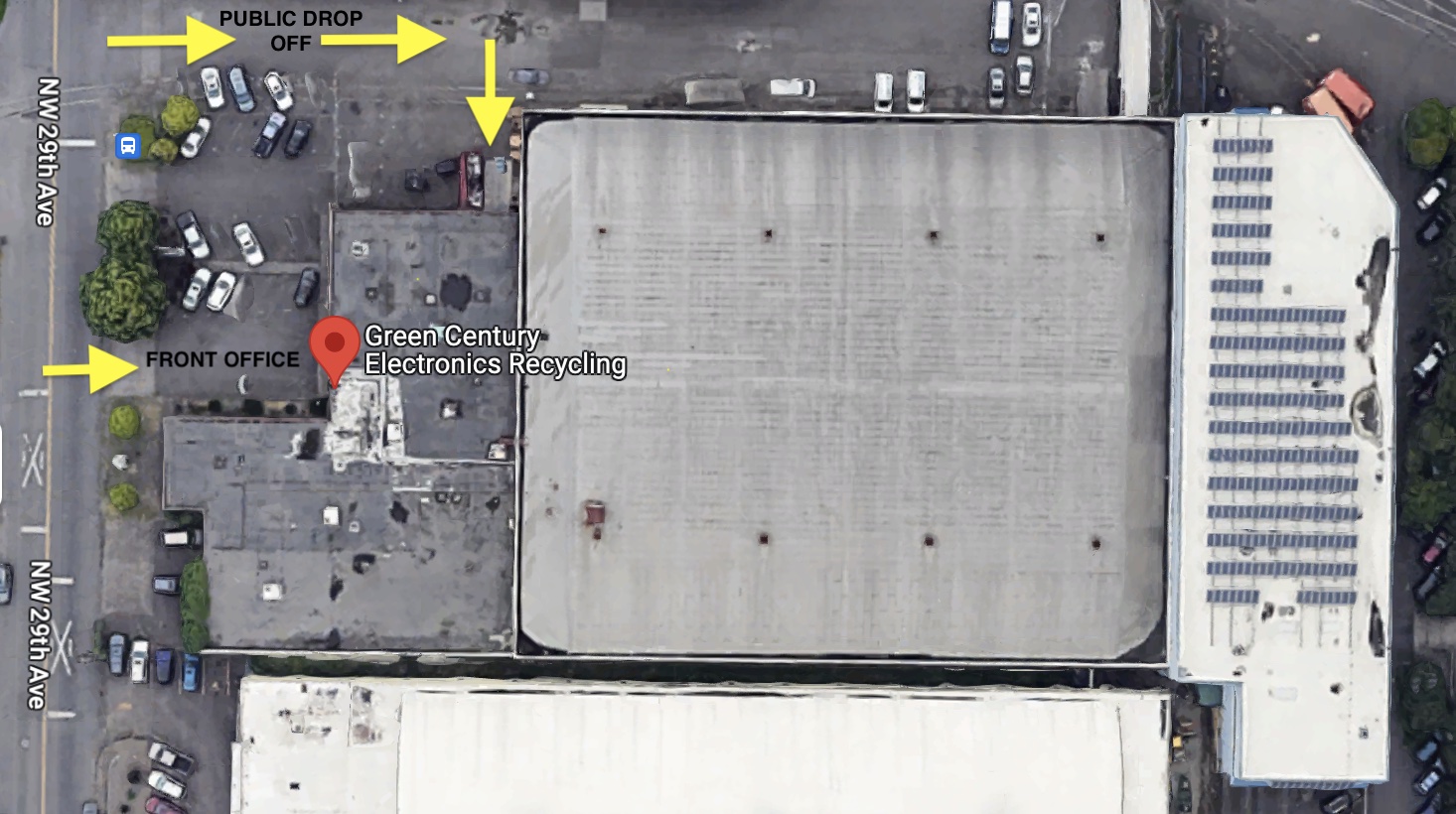
Most cities offer free e-waste collection for residents. These programs ensure printers are processed safely without harming the environment.
Permanent Drop-Off Centers
Many counties operate year-round facilities for electronics. Check your local waste management website for hours and location details. Commercial users may pay small fees based on volume.
Scheduled Collection Events
Some areas host e-waste roundups every six to twelve months. These events allow you to drop off multiple items at once. Call ahead to confirm accepted items and any household limits.
Use Manufacturer Take-Back Services

Major brands like HP, Canon, Epson, and Brother offer free recycling programs. State laws often require these manufacturers to fund the collection of their products.
Mail-In Recycling Options
Visit the manufacturer website to request a prepaid shipping label. Pack your printer securely and drop it at any postal location. This service usually accepts any brand of printer.
What Items Are Accepted
Most programs accept printers, power cords, and ink cartridges. Some exclude large industrial models or specific accessories. Check the specific restrictions on the brand website before shipping.
Drop Off Printers at Retail Stores
Retailers provide convenient drop-off points for old electronics. Best Buy, Staples, and Office Depot all participate in recycling initiatives.
Best Buy Recycling Rules
You can drop off up to three items per household daily. Large monitors may cost $29.99 in some states, though rebates exist in Pennsylvania and Wisconsin. Haul-away services are available for a fee with new deliveries.
Other Retailer Options
Staples offers free recycling for small electronics and trade-in discounts. Office Depot provides rewards points for recycling ink cartridges. Walmart partners with Call2Recycle for limited device drop-offs.
Donate Working Printers to Charity
If your printer still functions, donation is better than recycling. This extends the device life and supports community organizations.
Organizations That Accept Electronics
Goodwill and The Salvation Army often take working printers. Schools and libraries may need basic office equipment for their programs. Nonprofits like Computers for Schools refurbish devices for families in need.
Verify Donation Requirements First
Call the charity to ensure they accept your specific model. Ask if they need cables or ink included with the unit. Do not donate broken units as most charities cannot repair them.
Follow Business E-Waste Regulations
Businesses face stricter liability under federal law than individual consumers. Commercial entities must prove proper disposal of all hazardous electronics.
Compliance Best Practices
Hire certified recyclers with R2 or e-Stewards credentials. Obtain a Certificate of Recycling for every batch of disposed equipment. Keep these records on file for potential regulatory audits.
Resources for Commercial Disposal
Use tools like the Smart Business Recycler Locator to find vetted vendors. Call the TOXIC hotline at (800) 988-6942 for guidance in California. Schedule volume pickups to handle large quantities safely.
Check State-Specific Disposal Laws
Recycling rules vary significantly by location. Over 25 states have specific laws governing electronic waste management.
Key Regulations by Region
- California: No drop-off fees for TVs or monitors at retailers.
- New Jersey: Free pickup available for those unable to transport devices.
- New York: Stores may accept up to 10 mobile devices daily per household.
- West Virginia: Explicit ban on electronics in landfills since 2011.
How to Find Local Rules
Visit your state environmental agency website for updates. Search for “Covered Electronic Devices” laws in your region. Verify if your state mandates manufacturer-funded recycling programs.
Learn the Printer Recycling Process
Certified recyclers follow a strict protocol to handle e-waste. Nothing goes to a landfill when handled by reputable facilities.
Dismantling and Sorting
Workers manually remove hazardous toner and circuit boards first. Metals like copper and gold are melted down for reuse. Plastics are separated by type and pelletized for new products.
Repurposing Materials
Recycled metal frames become parts for cars or appliances. Recovered plastics turn into outdoor furniture or new electronics. This process reduces mining needs and cuts carbon emissions.
Frequently Asked Questions About Printer Disposal
Can I throw my old printer in the regular trash?
No, printers are classified as e-waste and are banned from landfills in many areas. Disposing of them in regular trash can result in fines up to $25,000 for businesses.
How do I remove data from my printer before recycling?
Access the printer menu to run a “Secure Erase” or “Format Drive” function. For high security, physically remove and destroy the internal hard drive before disposal.
Does Best Buy accept old printers for free?
Yes, most Best Buy locations accept up to three printers per household daily for free. Some large monitors may incur a fee, but gift card rebates exist in certain states.
Are there free mail-in programs for printer recycling?
Major brands like HP, Canon, and Epson offer free mail-in recycling with prepaid labels. These programs often accept any brand of printer regardless of the manufacturer.
What happens if a business ignores e-waste laws?
Businesses face severe fines up to $2,000 per day and potential legal action under federal RCRA regulations. Non-compliance can also lead to costly regulatory audits and reputational damage.
Key Takeaways for Disposing of Your Printer Responsibly
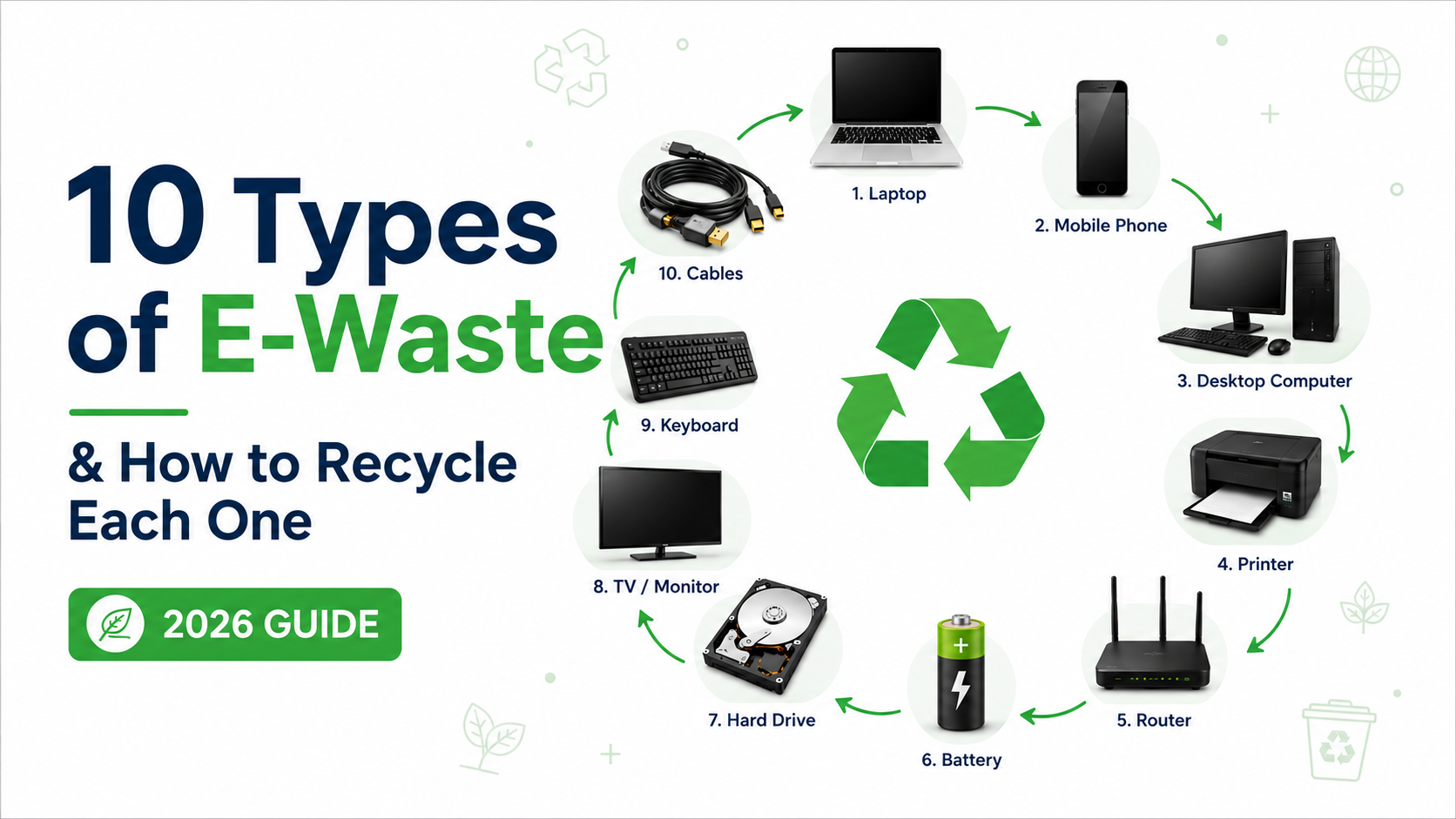
Proper printer disposal protects the environment and keeps you compliant with the law. Always wipe your data, check local recycling options, and consider donation if the device works.
Take action today by locating a certified recycler or manufacturer program near you. Your responsible choice prevents toxic pollution and safeguards your personal information.


