A printer left unused for weeks often suffers from one annoying issue: dry printer ink. When ink hardens inside the cartridge, you face streaks, faded text, or no output at all.
This guide teaches you how to fix dry printer ink using warm water and hand sanitizer. You will learn to revive your cartridge safely and save money on replacements.
Essential Supplies for Reviving Dried Ink
Gathering the right materials is the first step to success. Using household items prevents damage to sensitive printer parts while effectively clearing blockages.
Alcohol-Based Hand Sanitizer and Warm Water
You need 500mL of alcohol-based hand sanitizer for this repair. The isopropyl alcohol content helps dissolve stubborn dried ink deposits deep within the nozzle.
Pair the sanitizer with a bowl of warm water. The warmth helps loosen clogs gently without warping the plastic components of your cartridge.
Lint-Free Microfiber Cloth
Select a soft microfiber cloth for cleaning the nozzle area. This material removes residue without leaving lint or fibers that could cause new blockages.
Avoid using rough paper towels on the actual print head. Fibers from cheap towels can stick to the nozzle and worsen the drying problem.
Safe Removal of Your Dried Cartridge
Accessing the cartridge requires care to avoid damaging internal mechanisms. Follow these steps to remove the unit safely before cleaning.
Open Printer and Access Cartridge Bay
Lift the top cover of your printer to reveal the cartridge bay. Wait for the print head carriage to stop moving completely before reaching inside.
Locate the release lever or flap, usually found on the side of the cartridge holder. Gently lift this mechanism to unlock the dried cartridge from its slot.
Handle Electrical Contacts Carefully
Pull the cartridge out by holding its sides firmly. Never touch the copper electrical contacts or the nozzle plate with your bare fingers.
Oils from your skin can interfere with data transmission and ink flow. Keep the cartridge level to prevent ink from spilling onto your clothes or floor.
Soak Nozzle in Warm Water Bath
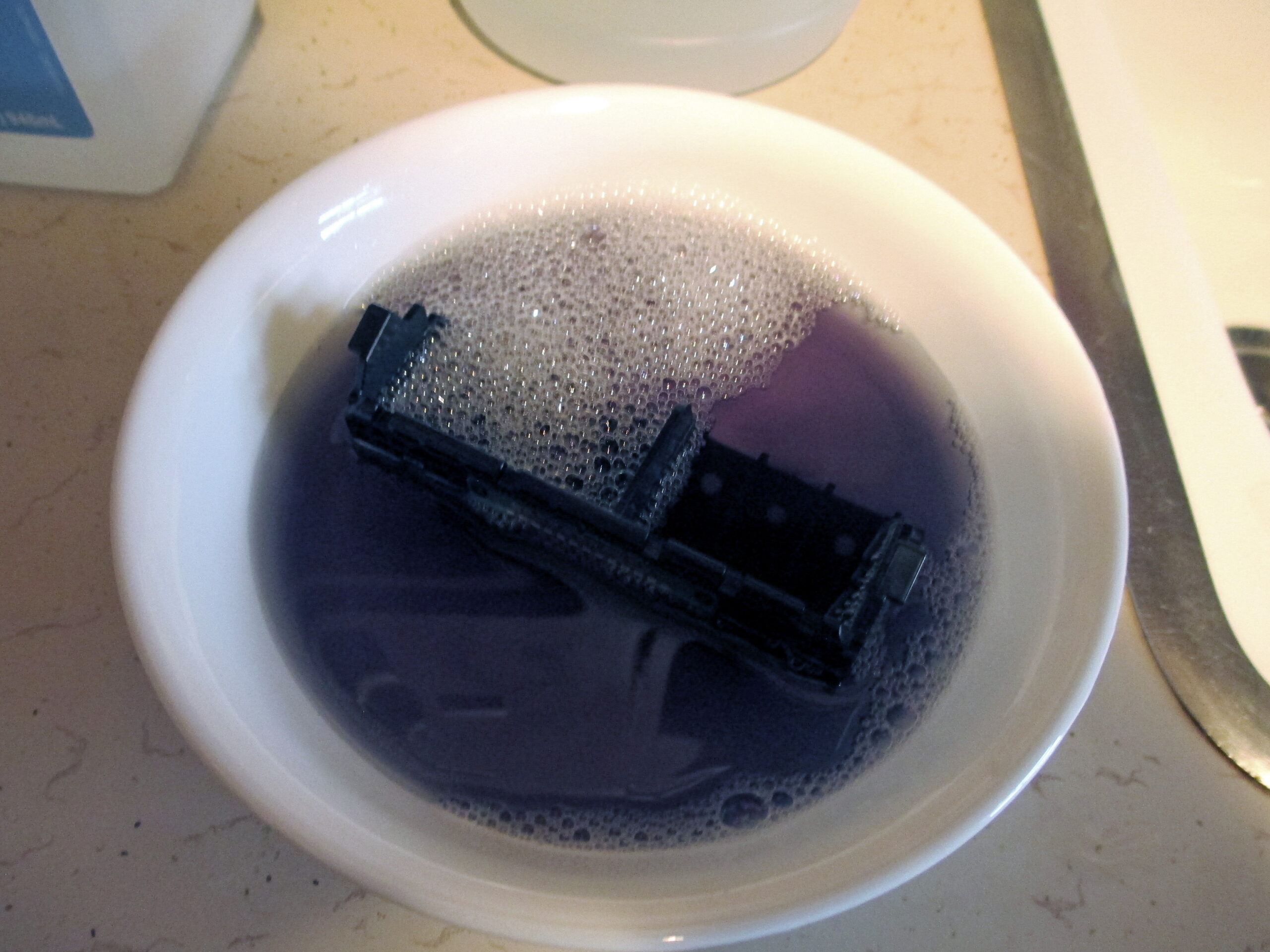
Submerging the nozzle end is the most critical step to rehydrate dried ink. This process softens the hardened pigment blocking the flow.
Submerge Only the Nozzle End
Fill a small bowl with warm water. Dip only the bottom inch of the cartridge where the ink comes out into the water.
Keep the top half of the cartridge dry at all times. Water touching the circuit board or air vents can ruin the cartridge permanently.
Monitor Ink Release in Water
Let the cartridge sit in the warm water for 10 to 15 minutes. Watch the water closely for faint traces of color bleeding out.
This color change indicates the dried ink is softening. If you see no color after 15 minutes, you may extend the soak by 5-minute increments.
Apply Hand Sanitizer to Clear Clogs
After soaking, the next phase involves using sanitizer to break down remaining residue. This step targets deep clogs that water alone cannot remove.
Apply Sanitizer Directly to Nozzle
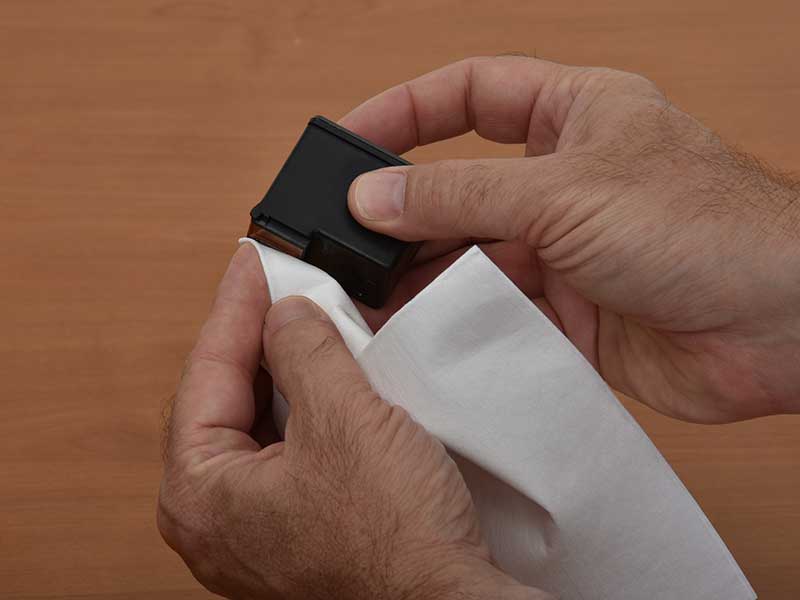
Remove the cartridge from the water and pat it dry with your cloth. Apply a small drop of hand sanitizer directly onto the nozzle plate.
Let the sanitizer sit for one to two minutes. This dwell time allows the alcohol to penetrate and dissolve tough ink blockages effectively.
Wipe Gently With Microfiber Cloth
Take your clean microfiber cloth and wipe the nozzle gently. Use light pressure to avoid scratching the delicate print head surface.
Check the cloth for ink residue. Seeing ink on the cloth confirms that the blockage is clearing and the flow is restoring.
Dry and Test Ink Flow Before Reinstalling
Never place a wet cartridge back into your printer. Moisture inside the machine can cause electrical shorts or poor print quality.
Air Dry Completely
Place the cartridge on a clean surface with the nozzle facing up. Allow it to air dry naturally for 10 to 15 minutes.
Do not use a hairdryer or heat gun to speed up this process. High heat can melt plastic parts or evaporate the fresh ink inside.
Perform Paper Rub Test
Take a sheet of plain white paper to test the flow. Gently rub the nozzle across the paper in a single smooth motion.
Look for a solid, continuous line of ink. If the line is broken or spotty, repeat the soaking and wiping process one more time.
Reinstall Cartridge and Run Alignment
Once the cartridge passes the paper test, it is ready to go back. Proper installation ensures the printer recognizes the revived unit.
Slide Cartridge Back Into Slot
Insert the dry cartridge into its correct color-coded slot. Push firmly until you hear a click, indicating it is locked in place.
Close the printer cover and turn the machine on. The printer may make priming noises as it prepares the print head for operation.
Print Test Page and Align Head
Navigate to your printer settings on the computer. Select “Print Test Page” or “Nozzle Check” to verify full functionality.
If streaks persist, run the built-in “Clean Print Head” utility once or twice. Finally, run the alignment tool to ensure your text and images appear sharp.
Prevent Future Ink Drying Issues
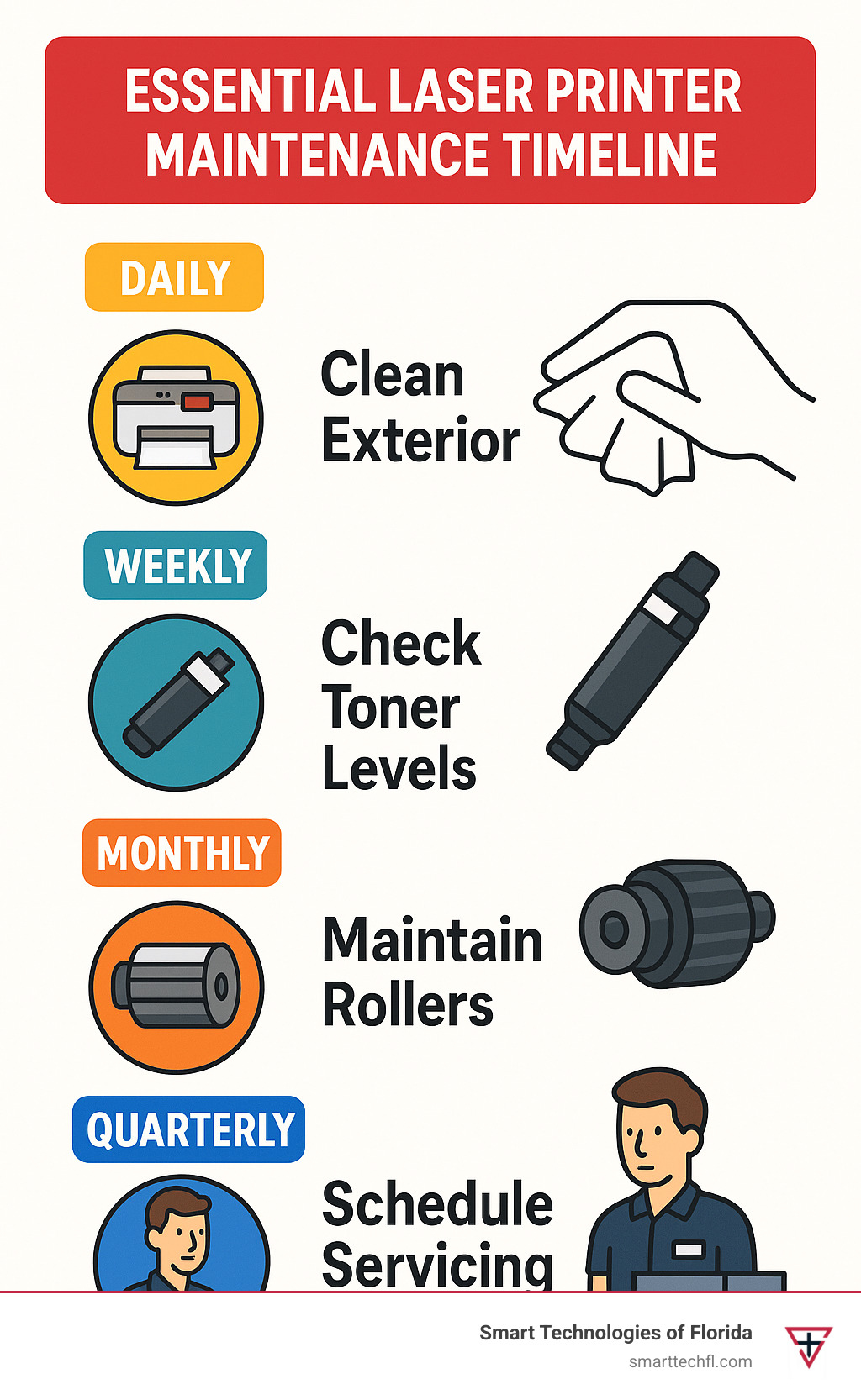
Taking preventive measures stops this problem from happening again. Consistent maintenance keeps your printer running smoothly for years.
Print Weekly to Maintain Flow
Print at least one page every week to keep ink moving. Regular usage prevents the ink from sitting still long enough to dry out.
Set a recurring reminder on your phone or calendar. A quick test print takes seconds but saves you from major headaches later.
Store Spares Properly
Keep spare cartridges in their original sealed packaging. Store them in a cool, dark place away from direct sunlight and humidity.
Avoid storing cartridges in bathrooms or hot cars. Extreme temperatures accelerate the drying process and degrade ink quality over time.
Frequently Asked Questions About Fixing Dry Printer Ink
Can I use rubbing alcohol instead of hand sanitizer?
Yes, you can use pure isopropyl alcohol, but hand sanitizer is often safer. The gel consistency of sanitizer stays on the nozzle longer than liquid alcohol, providing better penetration for dried clogs.
How long does it take to fix dry printer ink?
The entire process usually takes about 30 to 45 minutes. This includes the 15-minute soak, drying time, and the final testing phase to ensure the cartridge works perfectly.
Is it safe to submerge the whole cartridge in water?
No, never submerge the entire cartridge. Water must only touch the nozzle end. Getting the electronic contacts or air vents wet will likely destroy the cartridge permanently.
What if the ink still does not flow after cleaning?
If the cartridge remains dry after two attempts, the clog may be too severe. In this case, the ink inside may have hardened beyond repair, and replacement is necessary.
Can this method work on laser printer toner?
No, this method only works for inkjet printers. Laser printers use toner powder, not liquid ink, so water and sanitizer will not fix toner issues and may damage the unit.
Key Takeaways for Fixing Dry Printer Ink
Reviving a dried cartridge is a simple, cost-effective solution for common printing issues. By soaking the nozzle in warm water and applying hand sanitizer, you can often restore full functionality without buying new supplies.
Remember to keep electrical contacts dry and allow the cartridge to air dry completely before reinstalling. Regular printing and proper storage are your best defenses against future drying problems.